How fast should you walk on a walking pad?
As an Amazon Associate we earn from qualifying purchases. This does not change which products are recommended. Disclosure.
At a desk, many people find 2–4 km/h comfortable, with 1–2 km/h for detailed work like writing or precise mouse use. Away from the desk, 4–6 km/h is a brisk walk for most adults. Start slowly, build up over days, and use an incline rather than more speed if you want more effort without losing the ability to work.
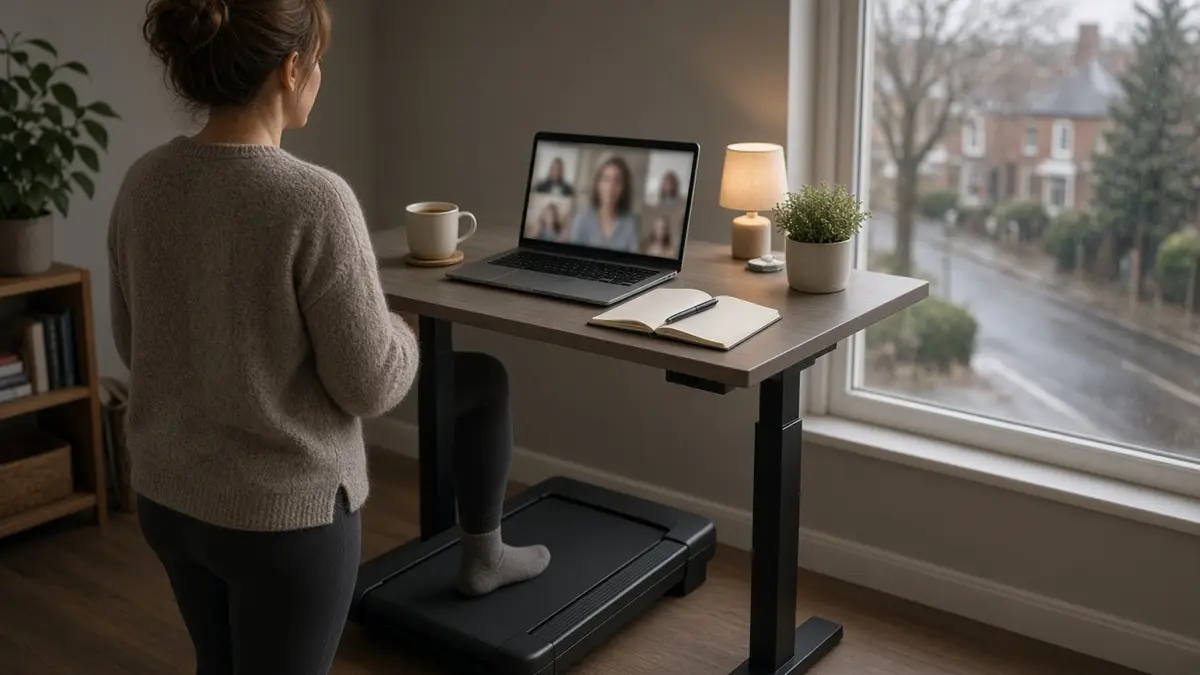
Walking pads are usually set in kilometres per hour. Here is what the numbers mean in practice.
What the speeds feel like
| Speed | Feels like | Good for |
|---|---|---|
| 1–2 km/h | A slow amble | Typing, writing, reading |
| 2–3 km/h | An easy stroll | Calls, email, general desk work |
| 3–4 km/h | A comfortable walk | Calls, reading, watching |
| 4–5 km/h | A purposeful walk | A walk without working |
| 5–6 km/h | A brisk walk | Exercise |
| 8–12 km/h | Jogging | 2-in-1 pads with a handle only |
These are general descriptions. Your comfortable pace depends on your height, fitness and the task.
Walking at a desk
Many people find 2–4 km/h comfortable at a desk. The slower end is better for detailed work. If you find yourself making typing errors or struggling to read, slow down.
A pad with a 1 km/h minimum makes it easier to find your pace. The Mobvoi Fit starts at 2 km/h, and the WalkingPad P1 at 0.5 km/h.
Building up
If you are new to desk walking, start with short sessions, perhaps 15–30 minutes, a few times a day. Increase the time before the speed. It can take a while to get used to walking and working together.
Stand still, or step off, when you need to concentrate hard.
Speed or incline?
If you want more effort, an incline is often better than more speed at a desk. You can keep a slow, steady pace that lets you work, while making each step harder. See walking pads with incline.
Steps and distance
At 3 km/h, an hour of walking covers 3 km. Many pads count steps; if yours does not, a phone or watch will.
Speed on different pads
Speed ranges on the pads in this guide:
| Range | Models |
|---|---|
| 0.5–6 km/h | WalkingPad P1 |
| 1–6 km/h | WalkingPad Z1, UREVO S2, SpaceWalk Lite, SpaceWalk 5L |
| 2–6 km/h | Mobvoi Fit |
| 1–8 km/h | HomeFitnessCode A1 |
| Up to 10 km/h | Toputure, UREVO Strol 2E Pro (handle up), Cardirun (running mode) |
| Up to 12 km/h | CITYSPORTS WP9, Mobvoi SE (rails up) |
For desk walking, any of these covers the useful range. The differences matter at the slow end and if you want to jog.
Automatic speed modes
Some pads can adjust speed by themselves. The WalkingPad P1's automatic mode speeds up as you walk towards the front of the deck and slows as you drop back. Some apps, including UREVO's, run programmes that change speed (and incline, where fitted) over a session. These can be useful for exercise walks, but most people prefer a fixed speed at a desk.
Step length and belt length
As you speed up, your stride lengthens. A short belt that feels fine at 2 km/h can feel cramped at 5 km/h. If you plan to walk briskly, choose a longer deck: the two WalkingPad models, at 120–121 cm, have the most room. The how to choose guide has a belt length chart.
Questions
What is a good walking pad speed for beginners?
Start at 1–3 km/h and build up.
What speed is 10,000 steps?
It depends on your stride. As a rough guide, 10,000 steps is about 6–8 km for many adults.
Can I walk at 6 km/h and work?
It is hard to type accurately at 6 km/h. Most people slow down for work.
Is walking on a walking pad the same as walking outside?
It is similar, but there is no wind resistance and no variation in terrain. An incline adds some of the effort back.